You Got an Email 'From Yourself.' You Weren't Hacked. Here's Proof
An email that appears to come from your own address feels like proof you were hacked. Almost always, it's spoofing.
Getting an email that appears to be from your own address is unsettling by design, and it is almost always spoofing, not a hack. The From field of an email is just editable text, so anyone can type your address into it, the same way you can write any return address on a paper envelope without having access to that house. Sextortion scammers love this trick because "look, I sent this from your own account" feels like undeniable proof of access. It is not.
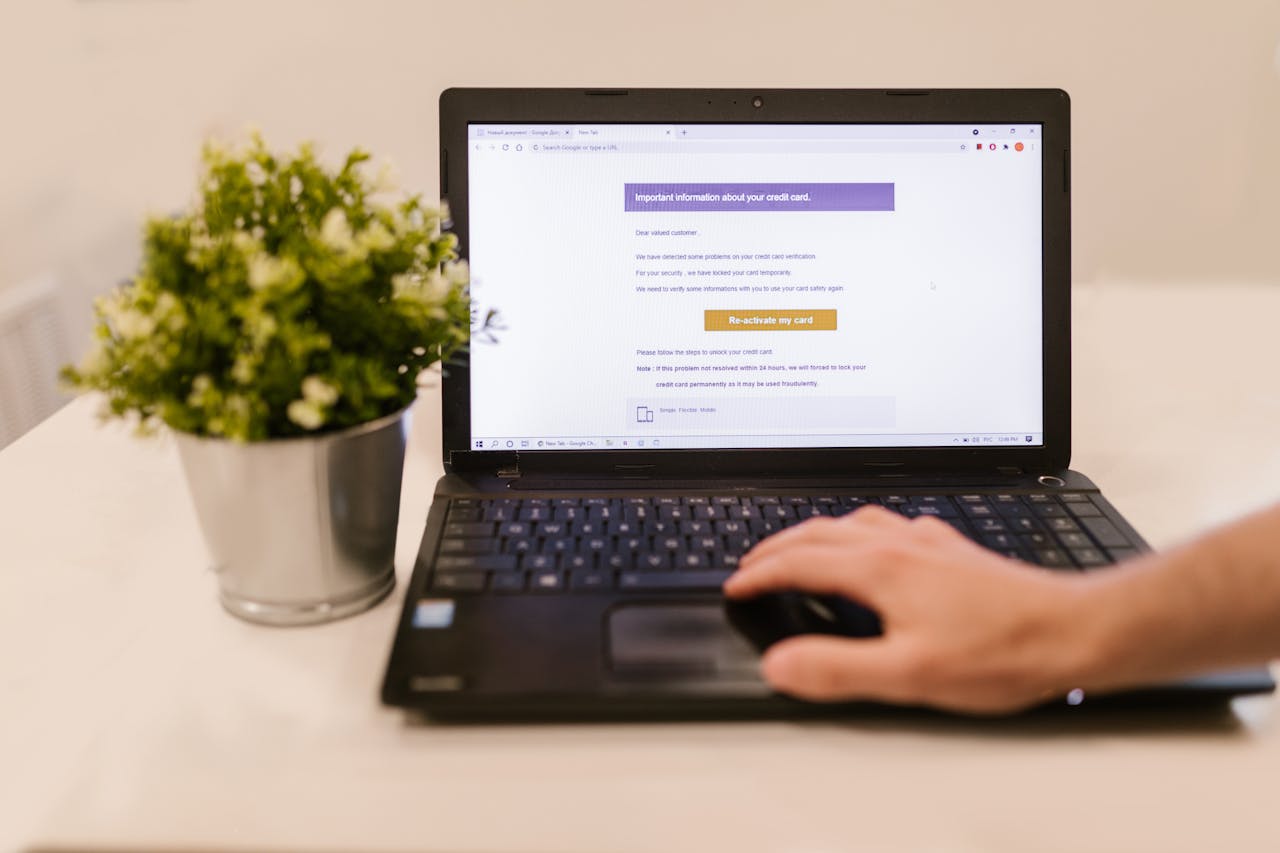
How to confirm you're not actually hacked
Check Sent items
If the email is not in your own Sent folder, your account did not send it. A spoofer's message never touches your account.
Read the headers
Show original / view source. The Received lines and a failed SPF or DMARC will reveal the real, foreign sending server, not yours.
Check recent activity
Your email provider's security page lists recent logins by device and location. No stranger sign-in means no breach.
Change the password anyway if unsure
It costs nothing and settles the question. Enable two-factor while you are there.
When it's part of a sextortion bluff
The most common version pairs the spoofed From with a demand for Bitcoin and a claim of webcam footage. It is the sextortion template wearing a costume; the fake From line is the costume. There is no footage, and the spoofing is trivial. Do not pay, do not reply, and if the email quotes a real password of yours, change that password because it leaked in an old breach, which is the actual (and only) issue.
Tracing the real sender
The headers reveal the true originating server even though the From says you, and our email-tracing guide walks through reading them. The real sender is usually a disposable or compromised third-party server sending in bulk, so identifying the individual is rarely possible, but confirming the spoofing is quick and is what puts the "am I hacked?" fear to rest.
Run a private check on any phone number
Get a 60 second report with possible owner, line type, location signals, and risk indicators. The phone owner is not notified.
Run a checkFrequently asked questions
I got an email from my own address. Was I hacked?
Almost certainly not. The From line is editable text anyone can forge, like writing a fake return address on an envelope. Check your Sent folder and recent login activity: if the message is not in Sent and there are no stranger logins, your account is fine.
How is it possible to send an email from my address without access?
Email's From field has no built-in proof of ownership; it is just text the sender chooses. Forging it requires zero access to your account. Only the headers reveal the real, foreign sending server.
It came from my address and demanded Bitcoin. What do I do?
It is a sextortion bluff using a spoofed From line. Do not pay or reply. If it shows a real password of yours, change that password, since it leaked in a breach; that is the only genuine risk.
Related articles
The Sextortion Email Scam: 'I Recorded You' Explained (2026)
The sextortion email that claims to have webcam footage and demands Bitcoin is a mass bluff.
The 'Your Account Was Compromised' Email: Phishing Explained
Emails warning that your account was hacked or suspended are the most common phishing template.
How to Trace Where an Email Really Came From
The sender name on an email is trivial to fake. How to read email headers to find the real origin, tell spoofing from a genuine sender.
Got a Verification Code You Didn't Request? Someone's Trying to Log In
An unrequested one-time code usually means someone is trying to log into your account.
Check the number. Know more.
Run a private 60 second report. The phone owner will not be notified.
Start your check